In the ever‑churning content mill, efficiency is key. You've poured your heart and soul into a killer piece on Medium, and now you want to give it new life on your company's pristine blog. Good move—repurposing content is smart. But before you hit that "copy‑paste" button, let's talk about doing it right. Because a botched repost isn't just lazy, it can be an SEO nightmare and a brand credibility killer.
Think of it this way: you're not just moving furniture; you're opening a satellite office. And, just like a good architect, you need a blueprint.
1. The Golden Rule: Permissions, Permissions, Permissions
Let's get this out of the way: if you didn't write it, you need permission. Full stop. Don't repost someone else's brilliant analysis of the latest AI breakthrough without their explicit green light. That's not syndication; that's copyright infringement. If you are the original author, you're obviously in the clear—but still, a quick check of Medium's terms around syndication never hurts.
2. The Canonical Conundrum: Your SEO Lifeline
This is where things get technical—and crucial for anyone playing the long game with search engines. When you repost, search engines (Google, Bing, etc.) see two identical pieces of content. Without guidance, they don't know which one to prioritize, and that's a fast track to duplicate‑content penalties.
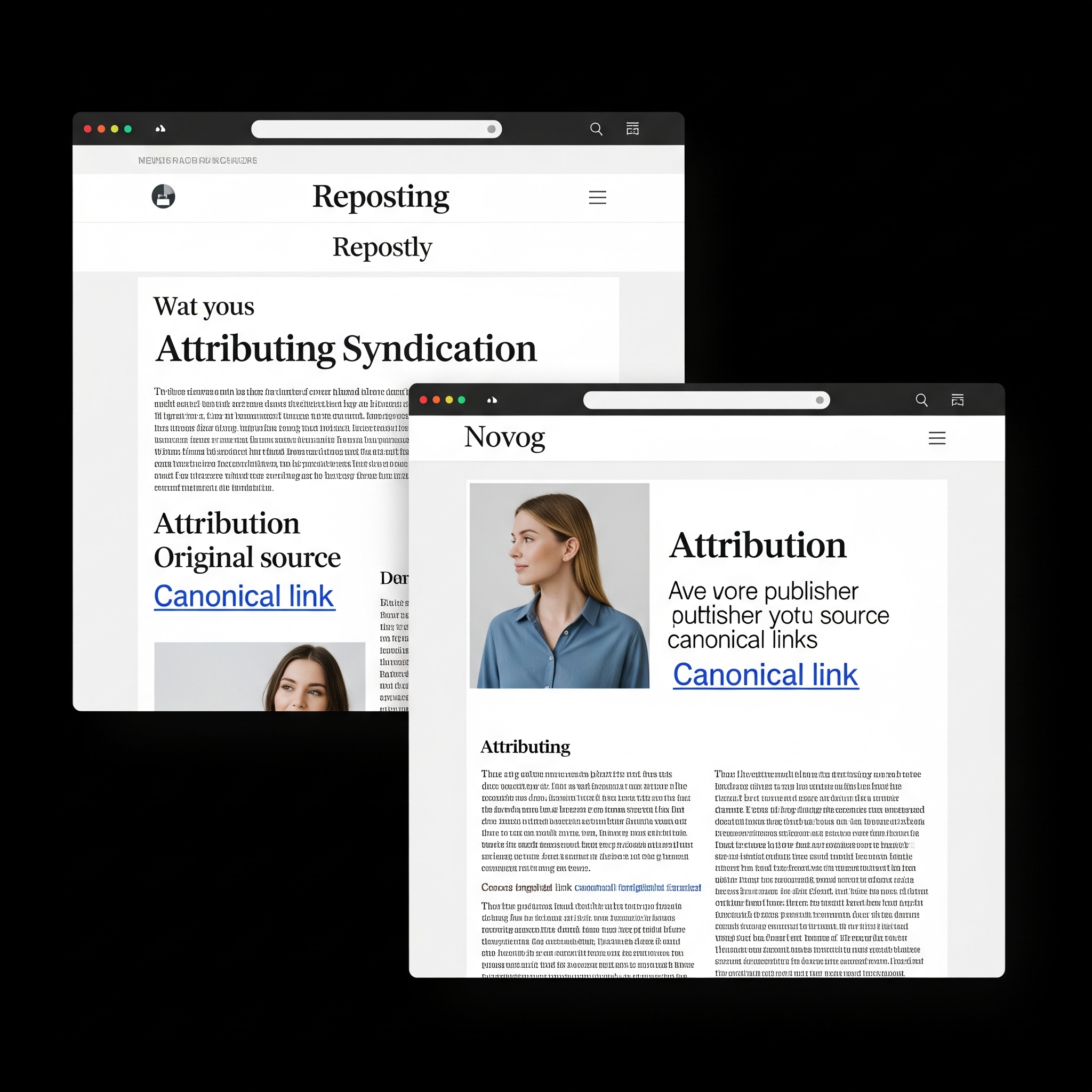
Enter the canonical tag. This seemingly innocuous line of code is your best friend. It lives in the <head> section of your reposted page and tells search engines, "Hey bot, this is a copy. The original lives over here."
<link rel="canonical" href="[Original Medium Post URL]" />
Ignoring this is like telling search engines, "Just pick one!"—and you probably won't like its choice. Most modern CMS platforms (WordPress, HubSpot, etc.) have a straightforward way to implement this, so no excuses.
This isn't just a Google-specific trick; the rel="canonical" tag is an industry standard for communicating preferred URLs, supported by all major search engines. It helps them consolidate link equity and ranking signals to your chosen original, ensuring your content gets the credit it deserves.
3. Attribution: Give Credit Where Credit's Due
This should be a no‑brainer, but you'd be surprised how often it's skipped. Always, always attribute the original source. It's not just good manners; it builds trust with your audience.
- Explicitly link back: At the top or bottom of your article, make it crystal clear. Something like: "This article was originally published on [Medium link]."
- Credit the author: If it's not you, name-check them. "By [Author Name], originally published on Medium."
- Be transparent you're reposting: "We're syndicating this excellent post from Medium." sets the right expectation.
4. Beyond the Copy‑Paste: Adding Value
While simply mirroring content is acceptable with proper canonicalization and attribution, the truly savvy move is to add value.
- Frame it: Why are you sharing this article with your audience? "We found [Author's Name]'s insights on [Topic] particularly relevant to our work in [Your Company's Industry], and we wanted to share it with you."
- Spark discussion: Add a concluding thought or a question to encourage comments. "What are your thoughts on [Topic]? Let us know below, or check out more of [Author Name]'s work on Medium."
- Internal Linking: Don't miss the chance to link to your own relevant content within the reposted article. It keeps readers on your site and strengthens your internal SEO.
5. Formatting and Polish: Make it Yours (Visually)
Even if the words are the same, your company site likely has its own aesthetic. Take a moment to:
- Adjust heading levels (H1, H2, H3) to match your site's style.
- Ensure images are correctly displayed and consider re‑uploading them with proper alt text for accessibility and SEO.
- Double‑check for any broken links or formatting quirks that might have occurred during the transfer.
The Bottom Line: Be Smart, Be Transparent
Reposting content, when done correctly, is a powerful strategy for expanding your reach, providing value to your audience, and even bolstering your own site's authority. But it's not a shortcut for sloppiness. Prioritize permissions, master the canonical tag, credit generously, and consider how you can add unique value.
Do that, and your reposts will be a win‑win for everyone involved.